
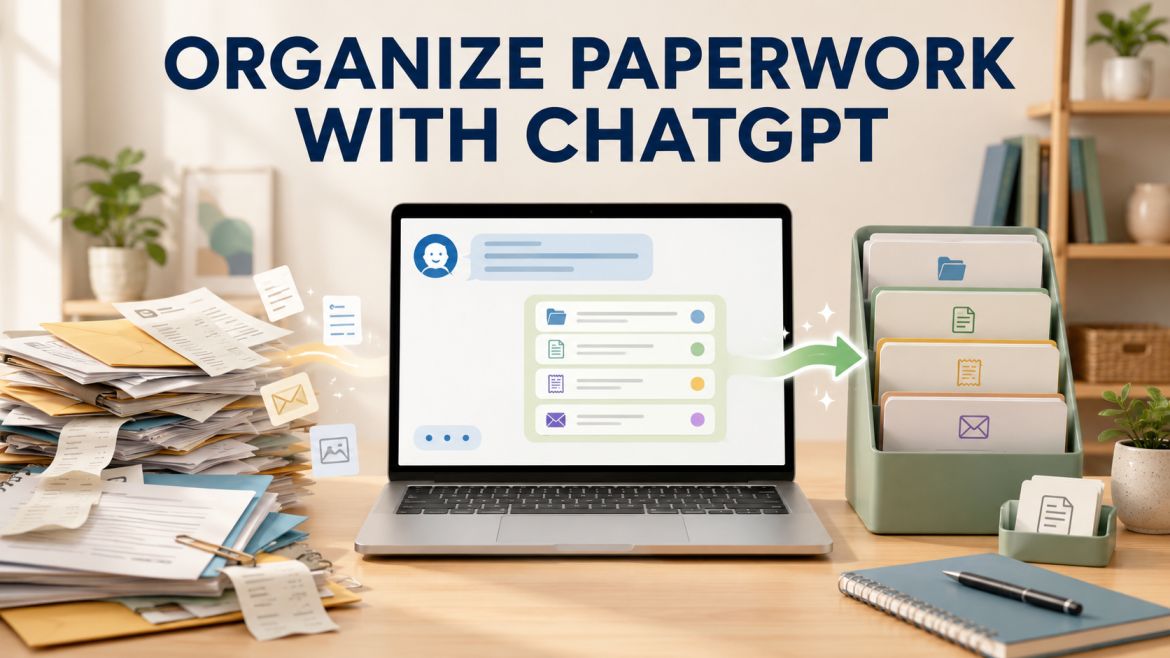
Yes, ChatGPT Can Help Organize Your Paperwork. Let’s discuss detail about How can anyone Organize Paperwork With ChatGPT ?
It usually starts small. A few receipts. An insurance letter you meant to deal with. A warranty card from something you bought months ago. You can tell yourself you’ll handle it later.
Then one day you open the drawer looking for one specific paper and find everything except what you need. You shuffle things around, close it again, and the pile just keeps growing for you hardwork.
This happens to a lot of people. The pile doesn’t grow because you’re lazy or messy. It grows because every single paper forces a decision: Keep it? For how long? Where does it go? Is it still useful? Do you need to act on it? Could throwing it away cause problems later?
It is exhausting to make dozens of those small decisions one after another. Your brain starts to find any excuse not to work like after a few papers. The drawer closes. The pile gets bigger.
ChatGPT cannot open the drawer and sort through all the papers. It can, however, put part of that overwhelming mess into a chain of distinct choice points. And that is often the last line of defense between yourself, and an actual working system.
Organize Paperwork With ChatGPT
The Simple Answer
You can process papers with ChatGPT. You can use it for organizing categories that match your actual life, establishing simple naming conventions for digital files, what to do first, and you can even use it to plan short sessions you actually finish.
What it cannot do: Organize your papers for you physically, tell you for certain what documents the law requires of you to retain, make final calls on things that have an emotional or personal connection, and replace professional advice on legal or financial matters.
Consider it a system designer assistant — not someone who prepares the papers for you.
Why Paperwork Feels So Hard ?
You gather everything in one place—the kitchen table, the floor, a box. Receipts, medical bills, old tax papers, school forms, warranties for things you may no longer own. The pile is right there. And you freeze.
A lot of people take this as a sign that they’re disorganized or just bad at this kind of thing. It’s not a character flaw. It’s a thinking problem.
Each paper is its own little decision tree. Keep or toss? For how long? Which folder? Still relevant? Need to act soon? Risk of regret later? Those questions pull on memory, future worries, and possible consequences. That’s why it drains you so quickly.
ChatGPT helps by shrinking those decisions. Once you’ve decided that “medical” is a category, “warranties” is another, and anything older than seven years usually goes in the recycling, each paper already has a place. You’re no longer inventing answers on the spot. You’re just putting things where they belong.
What ChatGPT Does Well ?
It can help you build categories that match your real life. Tell it the kinds of papers you actually have and any limits you face (for example, “I only have one file drawer—keep it to eight categories or fewer”). You’ll get a practical structure instead of a perfect-looking system you’ll never use.
It’s good at creating clear names for digital files. Documents for which you scanned or downloaded make it much easier to find later with consistent names. Request a minimal naming structure and some sample names for taxes, medical records, warranties & insurance, and bills. Something like 2024-03-Insurance-HomePolicy. Things that work out nicely with pdf since it sorts clean and remain legible.
This can assist you in figuring out where to begin. Nothing moves when everything is urgent. If you are only going to hold 1 session this week, ask which category of work makes sense to approach first. It frequently indicates papers that have due dates, limited-time offers or some follow-up action.
It’s useful for designing short, realistic sessions. Tell it the time you truly have—“I have 20 minutes on Wednesday and that is probably all I will do.” You get a focused plan you can finish instead of a big system you abandon after day one.
And, it can inspire you to develop a simple maintenance practice. But: If your system ends up in tatters, ask what 10 minute a month procedure prevents this. A few small actions every couple of days will prevent the six-month backlog from ever returning.
What ChatGPT Should Not Do ?
It should not determine what the law requires You to retain. You can generalize some rules (most people save tax returns for seven years), but rules vary by case and region. Consult with an accountant, lawyer, or government sources such as IRS guidance for tax papers, contracts, estate documents and medical records.
It shouldn’t make the final call on throwing something away. It can help you think through the questions, but only you know your full situation—pending claims, health history, or legal matters. That decision stays with you.
And it cannot replace professional advice. If you have papers related to an estate, divorce or lawsuit — or complicated taxes — they shall be kept but a qualified professional should tell you what needs to be kept and how to handle things. High-stakes judgment is not what ChatGPT will help with — it can assist with logistics, though.
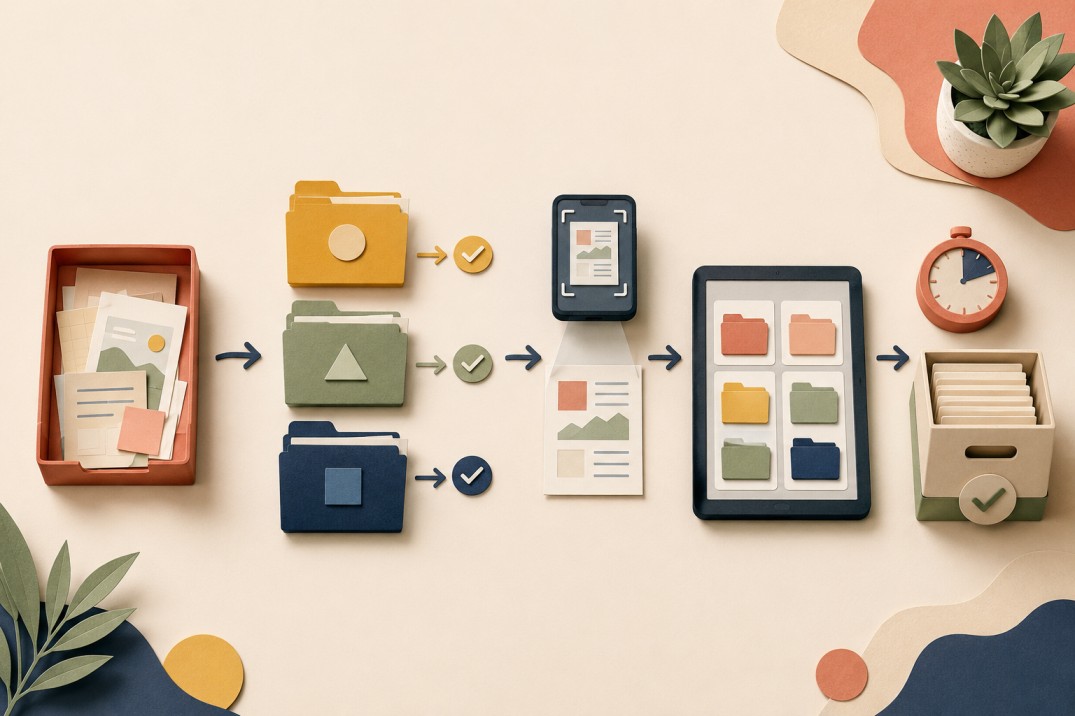
A Practical Workflow
1. Gather everything in one spot. Don’t sort yet. Just collect. This already feels like progress.
2. Write down a few types of documents you commonly encounter: medical (health), tax, warranties, school paperwork, insurance and bills. Here is a list to give chatgpt so it can only refine and not create everything from scratch.
3. Request a simple structure: — I use this type of typesHere is all the types I have. Assist me in generating top-level categories and 2-3 subcategories. Keep the total under ten.”
4. Organize your space with folders, labels, a drawer, a binder or even digital folders that suits your needs. Request alternatives that reflect your real limitations.
5. Do not sort all of one tag at once, do it in short bursts and kind one class. Set a timer. You should stop when your time is up — even if you haven’t finished with the category. Come back next time. Change is about small, repetitive sessions not one big exhausting weekend.
6. Label everything clearly. If you scan documents, use the naming pattern consistently.
7. Ask for the minimum weekly or monthly action that keeps the system working.
Good Prompts Versus Vague Ones
Vague prompts tend to produce generic or overly ambitious answers. Specific ones give more useful results.
Less helpful:
– “Help me organize my paperwork.”
– “Tell me what papers to throw away.”
More helpful:
– “I have a box of five years of mixed household papers—taxes, medical bills, receipts, insurance, and school documents. I want a simple filing system I can build in short sessions. Create a category structure and a plan for first sessions of 20 minutes each.”
– “I’m going paperless. Create a consistent naming convention for scanned household documents and give five examples covering taxes, medical, warranties, insurance, and utility bills.”
– “I have ten years of old paperwork. Help me decide which categories I should keep versus which I can probably recycle, and what questions to ask about each paper before deciding.”
– “I only have 15 minutes this week. What is the single most useful paperwork action I can take in that time?”
What If You Only Have 10 Minutes?
Most advice assumes you have a free Saturday. You might only have ten minutes before school pickup or between meetings.
Ten minutes still counts when you know the goal. You’re not finishing the project. You’re making the next session easier.
Ask: “I have exactly 10 minutes for my paperwork pile. What is the single highest-value action I can take right now?”
Possible answers: Separate this year’s papers from older ones. Take out everything that has a deadline on it. Collect all receipts into one pile. None of these actually get it done, but each one squeezes out a little friction for later. Doing of small things allows you to go through the tough times easier.
Different Types of Documents
Tax documents: Most individuals retain returns for seven years. The current tax year support documents linger until the return is filed and the audit monsoon period passes. Request a folder by year‑by‑year concept, check the information according to official IRS guidelines.
Medical records: Keep major records as long as the condition matters. Keep explanations of benefits until you confirm the claim is settled. Ask for a system that separates active care from older history.
Warranties: Many are digital now. Photograph or scan the active ones and note the purchase and expiration dates. Physical copies of expired warranties can often go.
Insurance: Keep current policies.
It can mostly be ignored with older ones once a new policy is operational, as long as there isn’t an open claim.
School documents: Keep your kids grade reports, immunization records and special education paperwork. Newsletters, homework (weekly) and most art projects can just be discarded. You need a folder per child for the basic papers.
Household paperwork: Retain important lease or mortgage documents, basic utility account information, manuals for appliances you still use while maintaining home-improvement history. Request for a fundamental for r home-management structure which can cater to you as a renter or home owner.
Safe Uses, Caution Areas, and Hard Limits
Generally safe: creating and refining category systems, building file-naming patterns, designing short realistic sessions, writing simple maintenance checklists, and thinking through what categories you need.
Use with caution and verify: general retention periods (check for your situation and location), what is “usually” kept versus what’s legally required, and storage ideas (adjust them to the space you actually have).
Don’t count on it for: final decisions about trashing papers that could be important to IRS, a court, an insurer or medical provider. Specific documents and the ethical, legal, or financial advice from a professional. Identifying specific legal requirements applicable to your situation.
As a general rule of thumb: If discarding a piece of paper could potentially trigger an issue with taxes, insurance, litigation or medical care, check the retention definition from a governing agency before throwing that piece of paper away.

Privacy Basics
When you describe the types of papers and the organizational problem, the risk is low. Be careful if you paste or upload actual document content.
Never include Social Security numbers, bank account or routing numbers, full financial statements with account details, or medical record numbers.
Describe instead of pasting: “I have a tax notice from the IRS about my 2022 return” gives enough context without exposing sensitive data. For highly sensitive financial or medical papers, keep the description general. ChatGPT doesn’t need your account numbers to help design a filing system.
Frequently Asked Questions
Can ChatGPT tell me which papers to throw away?
It can help build a decision framework by category. The final call on each paper is yours. For anything with legal weight, verify the retention rules first.
What if the system ChatGPT suggests is too complicated for me?
Ask it to simplify: “This has too many categories. Reduce it to five main folders maximum.” Clear limits usually produce more usable results.
How do I handle a mix of important and unimportant papers?
First sort into three piles: “definitely keep,” “probably trash,” and “not sure.” Build the system around the keep pile. Work the “not sure” pile last.
I have years of backlogged paperwork. Where do I start?
Start with the current year, not the oldest papers. Recent documents are more likely to matter and easier to understand. Progress on current papers feels useful right away.
Summary
The pile grew because every paper was a decision you postponed. A working system doesn’t remove every decision. It makes them easier by giving each paper a clear home ahead of time.
ChatGPT helps you design the categories, naming rules, session plans, and maintenance habits that make the actual sorting manageable. It can’t make the final decisions or tell you what is legally required in your specific case.
The system doesn’t need to be perfect. It needs to be simple enough that you’ll use it and keep it going.
Start with a prompt like this:
“I have a pile of mixed household paperwork I’ve been avoiding. I want a simple filing system I can build in short sessions. Here are the main types of documents I think I have: [list them]. Help me design a basic category structure with no more than eight main folders, and give me a plan for a first session of 15 minutes.”
Take the suggestions, adjust them to your space and life, and do the single smallest action it recommends.
One drawer. One category. One small win.
That’s how the pile stops growing.